Description

Need help getting started?
Get Medeley Cite for Word
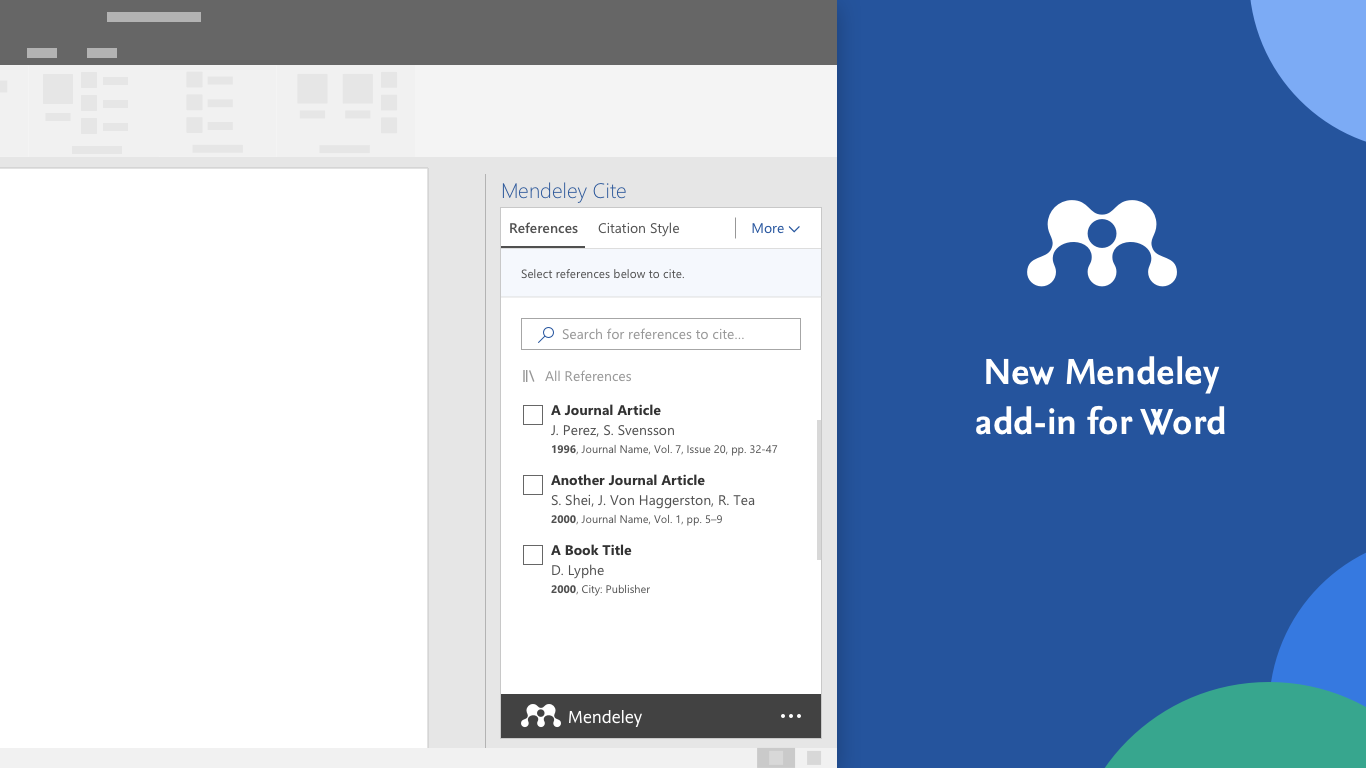
Mendeley Cite speeds up the process of referencing when writing, giving researchers the tools to quickly and easily insert references from their Mendeley library directly into their Microsoft Word document.
The Mendeley Cite add-in for Word, which can be used without having your reference manager open or even installed, allows you to insert individual or multiple references and automatically create a bibliography from the citations you’ve inserted.
Features:
- Once you sign in to Mendeley Cite, your Mendeley library is downloaded from the cloud, so you don’t need to have Mendeley Desktop or Mendeley Reference Manager open or even installed to use it
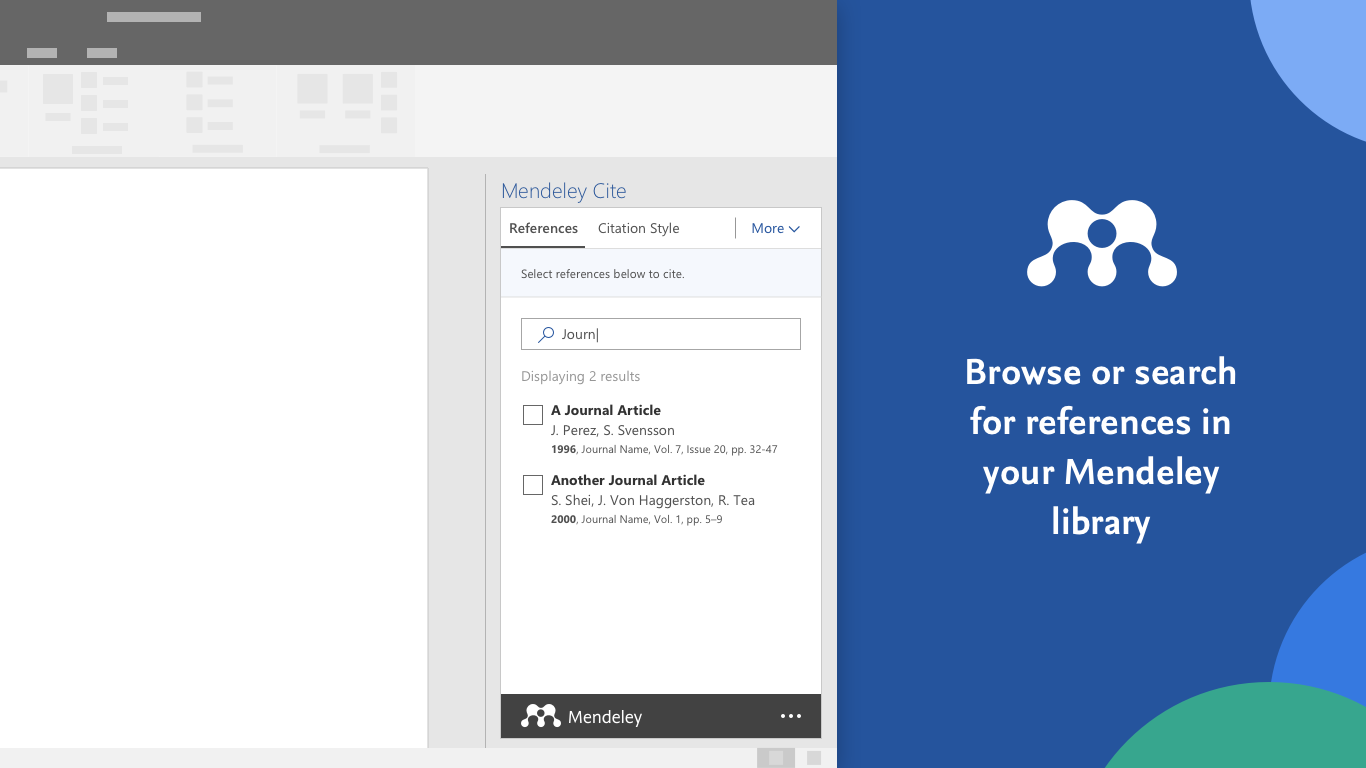
- Search for references in your Mendeley library and insert them easily into the document you’re working on
- Select and insert individual or multiple references at once
- Create edits to your references within your citations
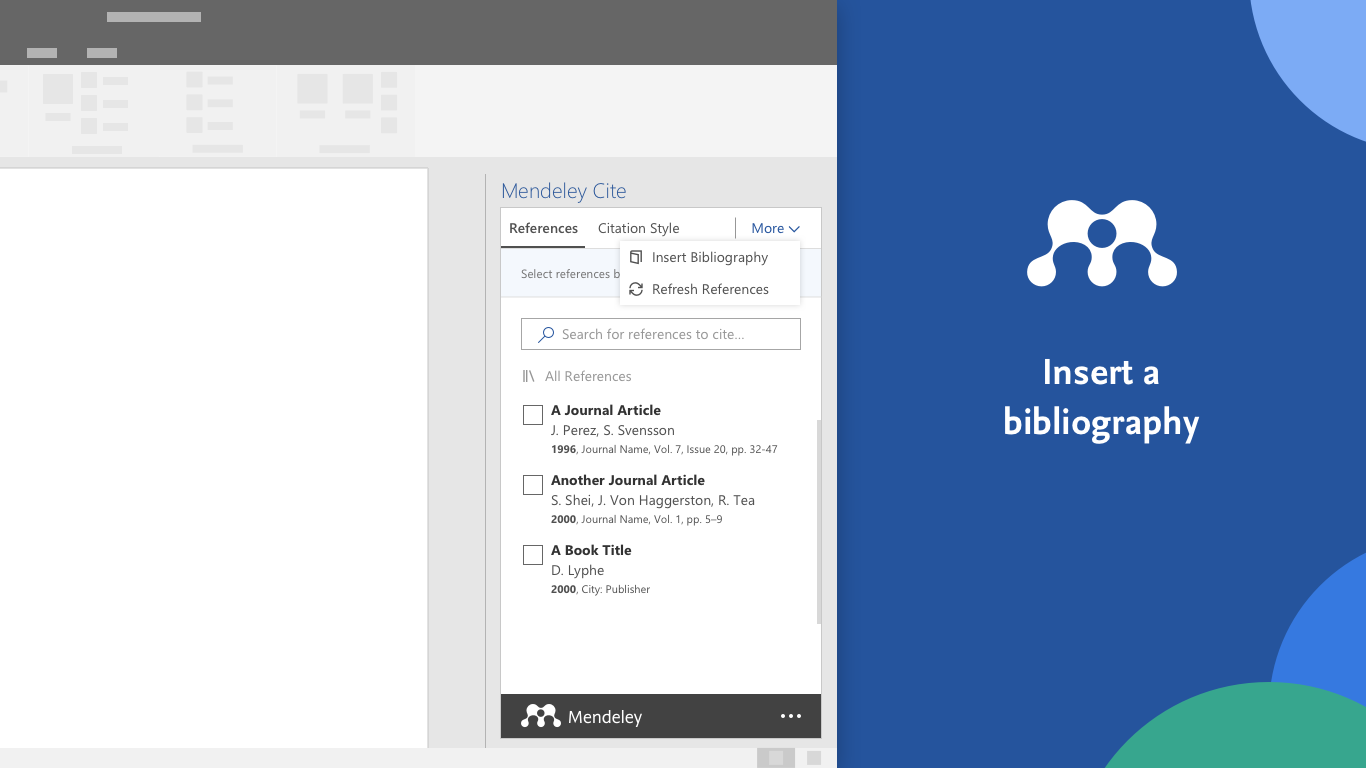
- Create a bibliography from all the references you’ve cited
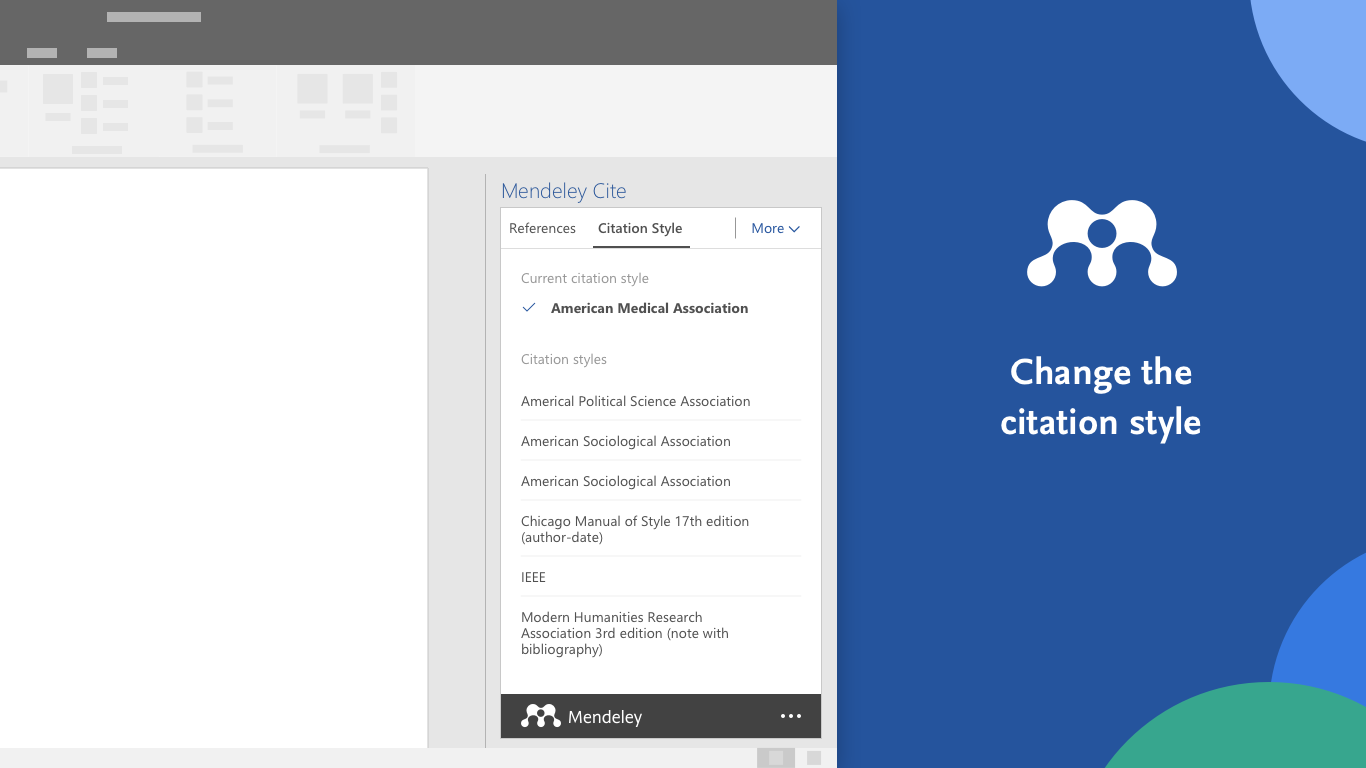
- Change to any of your preferred citation styles, including custom styles
- Easily convert your documents made with Mendeley Desktop citation plugin to work with Mendeley Cite
To use Mendeley Cite you’ll need a free Mendeley account, available from www.mendeley.com. You can also set up an account through the add-in.
Help us make sure Mendeley Cite does what you need by giving your feedback using the link from the tab at the bottom-right of the add-in.
Add-in capabilities
- Can read and make changes to your document
- Can send data over the Internet
At a glance